
At a Glance
Our Cursive Generator transforms ordinary text into stylish cursive characters in seconds. Choose your favorite style and copy it for social media, messages, invitations, and creative projects.
- Easy to copy: Paste your cursive text into supported apps and websites.
- Free to use: No downloads or account needed.
- Instant results: Enter text and explore different styles.
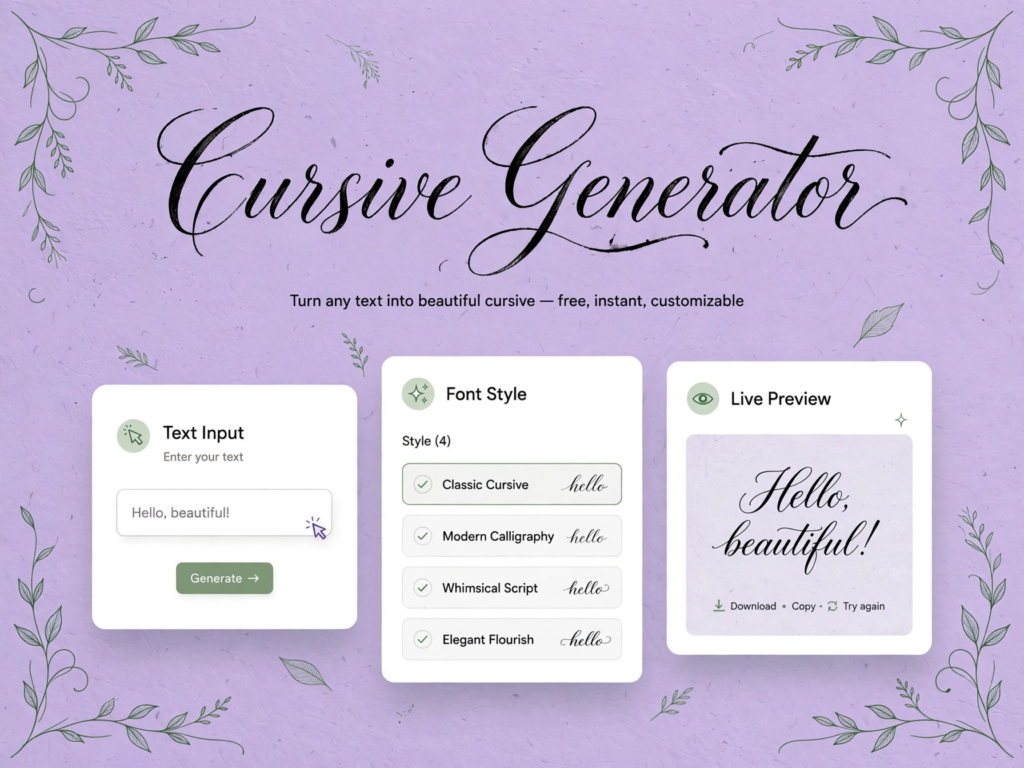
What Is a Cursive Font Generator?
A cursive font generator is a free online tool that turns plain text into stylish, handwritten-looking cursive text — with our cursive generator you just type, pick a style like Modern, Classic, or Bold, and copy it instantly into bios, captions, posts, and messages with no download or signup needed.
Popular Cursive Text Styles for 2026
Cursive text is still a favorite for social media and creative projects in 2026. This year’s looks are soft, aesthetic, and easy to copy.
Want a fancy cursive font for your bio or an elegant style for a card? Copy any example below, or create your own in the cursive generator.
Elegant Cursive
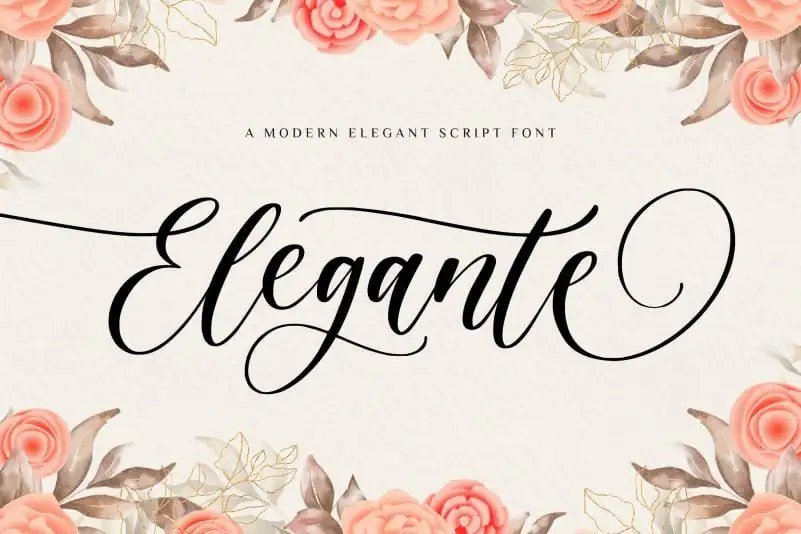
Best for invitations, greetings, special Notes
Elegant cursive has a graceful, refined look with a polished handwritten feel. It suits moments where you want your words to feel a little more special.
Classic Cursive
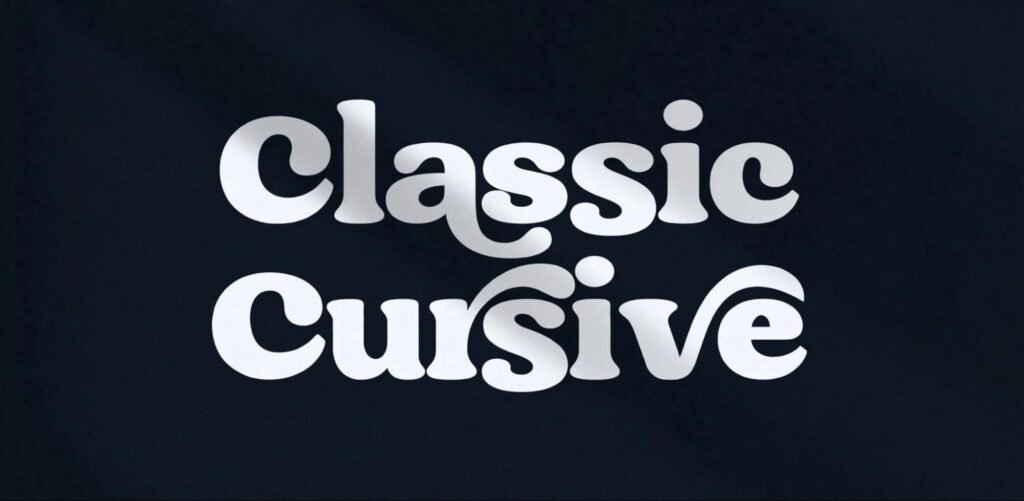
Best for notes, letters, and quotes
Classic cursive is the timeless handwritten look most people recognize. It feels warm and familiar, which makes it a natural choice for personal notes and quotes.
Modern Cursive
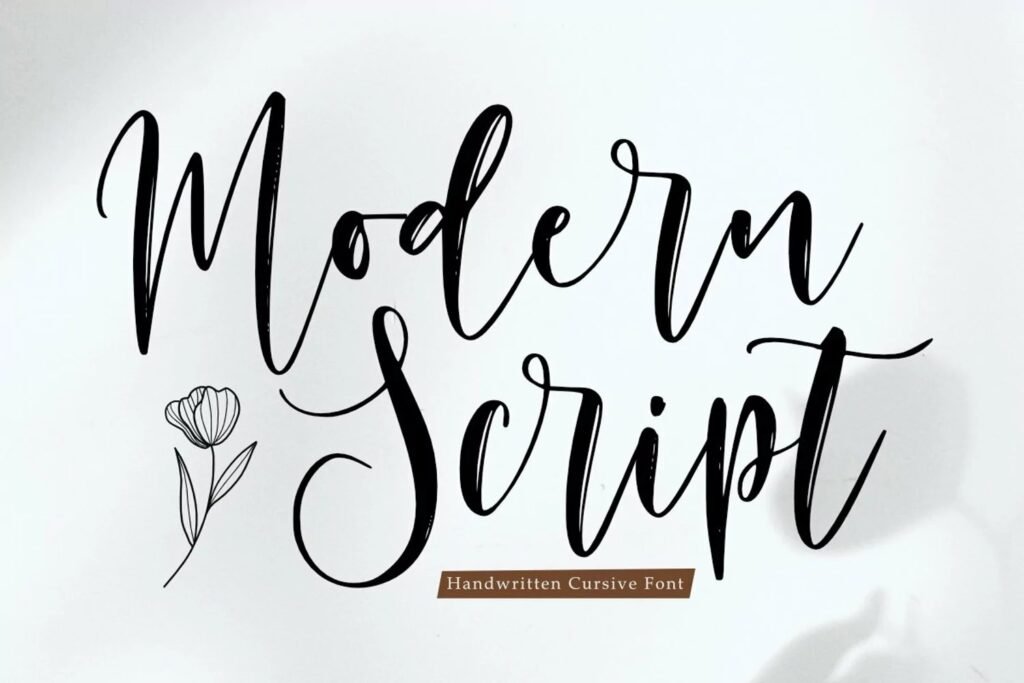
Best for bios and short captions
Modern cursive is light, clean, and aesthetic. It keeps the handwritten feel without looking too decorative, so it works well in short bios and captions.
Playful Cursive
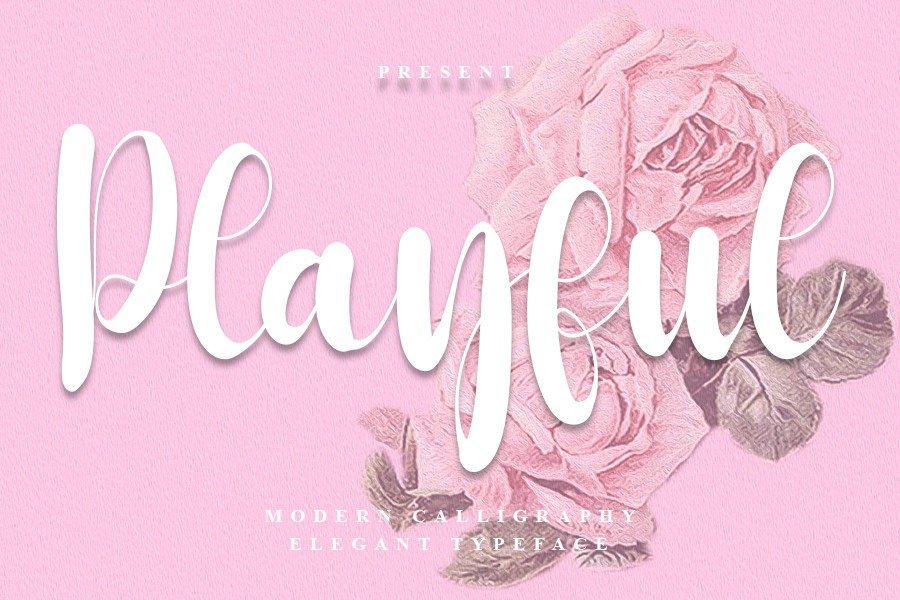
Best for stories, planners, and friendly captions
Playful cursive feels soft, cheerful, and friendly, especially when paired with small symbols like hearts or flowers. If you want a cute cursive font, this is the style to try.
Bold Cursive
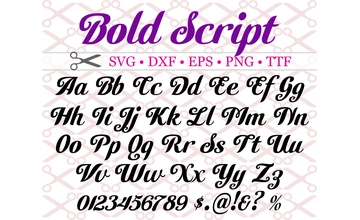
Best for usernames, headlines, and News
Bold cursive uses heavier strokes, so your text stands out even in short lines. It works well when you want a handwritten look with more impact.
Fancy Script
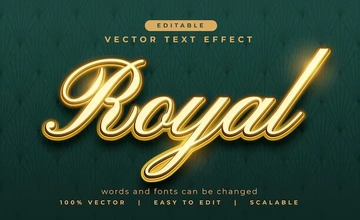
Best for titles and standout captions
Fancy script is the dressiest option, made for text that should get noticed. If you are searching for a fancy cursive font, start here.
Cursive Name Generator
Want to see your name in a stylish handwritten look? A cursive name generator turns any name into cursive-style text in seconds. Type your name, browse the styles, and copy the one you like for your bio, username, card, or message.
Write Your Name in Cursive for Any Occasion
Need a name in cursive for bio, wedding invitations and gaming? Try our cursive generator to create copy-paste handwriting text.
Here is how popular names look in our cursive name generator:
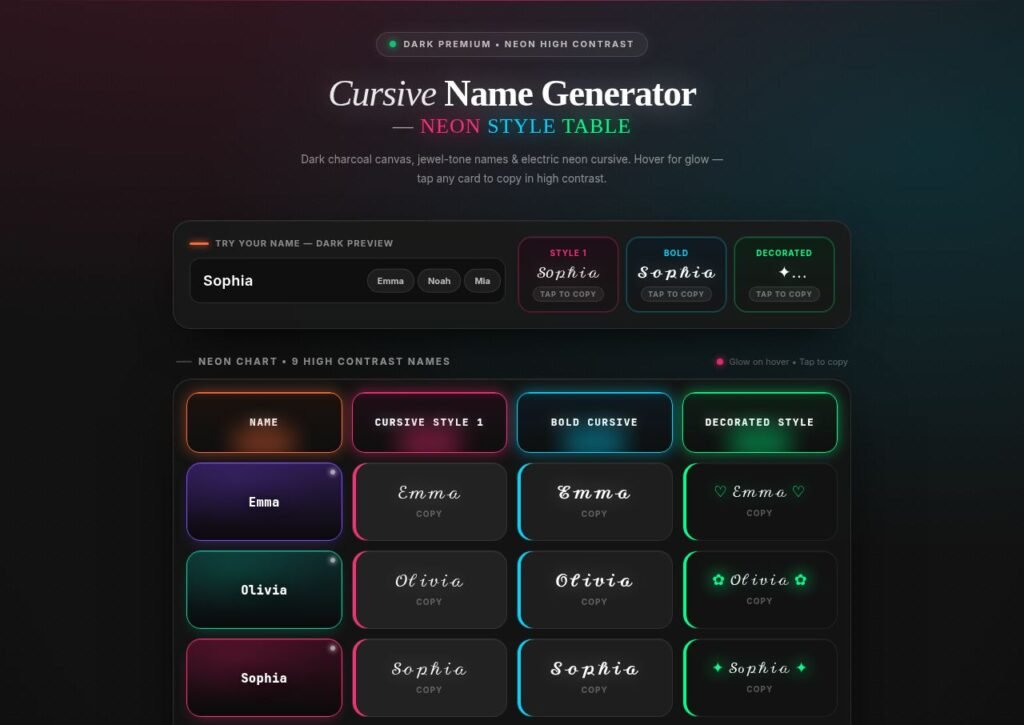
How to Get Your Name in Cursive
Enter your name in the cursive generator and choose from the cursive styles shown.
Click the copy button to use it. It also works for initials and nicknames.
Note: This is Unicode cursive text, not a real signature, so it may look different on some devices.
Cursive Signature Generator
Want a signature-style look for your name? Our cursive signature generator turns your name into flowing cursive-style text you can copy and use as inspiration.Type your name in the cursive generator, compare the styles, and pick the one that feels most like you.
Create Your Cursive Signature Style
Looking for a signature generator cursive fans will love? Enter your name and preview it in simple, clean to bold, decorative cursive styles. Try ideas here before writing by hand.
Here is how one name looks in three styles:
Clean: ℰ𝓂𝓂𝒶
Bold: 𝓔𝓶𝓶𝓪
Decorated: ✦ ℰ𝓂𝓂𝒶 ✦
Cursive Generator Signature Ideas
Use this cursive generator signature look for profile name, cards, email sign-offs or projects. Short names and initials look best, so try first name, nickname or initials.
Profile: ℰ𝓂𝓂𝒶 ℬ𝓇ℴ𝓌𝓃
Sign-off: Best, ℰ𝓂𝓂𝒶
Initials: ℰ.ℬ.
Choosing a Cursive Signature Font Style
Compare each cursive signature font for clear letters and smooth shape. Bold works for short names, lighter suits longer ones.
Cursive Tattoo Font Ideas
Planning a tattoo and want to see how a word or name looks in cursive? Use the cursive generator to preview cursive tattoo font styles before you talk to your artist. Type your text, compare the looks, and save the ones you like.
Tattoo Cursive Text Ideas
Tattoo cursive text works best with short words, names, and meaningful quotes. Type yours in and see how each style looks.
Word: 𝒽ℴ𝓅ℯ
Name: 𝒪𝓁𝒾𝓋𝒾𝒶
Quote: 𝒮𝓉𝒶𝓎 𝓈𝓉𝓇ℴ𝓃ℊ
Preview Text in a Cursive Tattoo Generator Font
Try your text in a cursive tattoo generator font style to see which letter shapes you like most. Screenshot your favorite and share it with your artist as a reference.
Clean: ℱℴ𝓇ℯ𝓋ℯ𝓇
Bold: 𝓕𝓸𝓻𝓮𝓿𝓮𝓻
Decorated: ✦ ℱℴ𝓇ℯ𝓋ℯ𝓇 ✦
Cursive Tattoo Font Creator Tips
Think of this tool as a fast way to explore cursive tattoo font ideas, not final design. An artist can adjust spacing, size and flow for skin.
Bold: 𝓛𝓸𝓿𝓮
Light: 𝒩ℯ𝓋ℯ𝓇 ℊ𝒾𝓋ℯ 𝓊𝓅
Note: Generated text is for inspiration only. Ask your artist for final lettering.
How to Use the Cursive Generator
Step 1 — Enter Your Text
Type or paste your words into the cursive generator – name, sentence, quote or caption. Your text will appear in many cursive styles.
Step 2 — Choose Your Cursive Style
Browse the styles generated for your text and pick the one you like best. Try a few options to find the right look, whether you want something simple and handwritten or more decorative.
Step 3 — Copy Your Cursive Text
Click the copy button next to your favorite style. Then paste it into your social media bio, caption and message.
Tip: If a style shows up as boxes or question marks in an app, try a different style
How Does a Cursive Font Generator Work?
Our cursive generator does not install a font. Instead, it swaps each letter you type for a special Unicode character that looks cursive, so the result is still plain text you can copy and paste.
What Is Unicode?
Unicode is a universal standard that lets computers and phones show text from many writing systems. It also includes decorative letters like script and bold script, which give your text its cursive look.
How Does the Cursive Generator Create Cursive Text?
The result is made of Unicode characters, so you can copy it like normal text. Paste it into any app that supports those characters and the cursive look stays — no font installation needed.
Copy & Paste Cursive Fonts (Symbols & Text Styles)
Looking for copy and paste fonts? Pick a cursive style below, or open the cursive generator to make your own, then copy it into your bio, caption, or message.
This font copy and paste list is ready to use as it is.
Popular Copy & Paste Font Styles
Need free fonts copy and paste in seconds? Choose a copy and paste font style, then.type your own text in the cursive generator to see more fonts copy and paste options. Cursive: 𝒞𝓊𝓇𝓈𝒾𝓋ℯ
Bold Cursive: 𝓒𝓾𝓻𝓼𝓲𝓿𝓮
Decorated: ✦ 𝒞𝓊𝓇𝓈𝒾𝓋ℯ ✦
Symbols to add: ♡ ✿ ★ ✦ ⋆˚ ~
Cursive Alphabet (A–Z) Copy & Paste Chart
Need every letter in one place? Here is the full cursive alphabet in a copy and paste chart. Copy any letter or type your own text in the cursive generator to turn whole words into cursive.
Cursive Alphabet Chart (A–Z)
Use these capital cursive alphabet letters for the start of a name or title, and the small letters for the rest. Together they cover all cursive letters from A to Z, in a light script style and a bold script style.
script style.
Script capital letters:
𝒜 ℬ 𝒞 𝒟 ℰ ℱ 𝒢 ℋ ℐ 𝒥 𝒦 ℒ ℳ 𝒩 𝒪 𝒫 𝒬 ℛ 𝒮 𝒯 𝒰 𝒱 𝒲 𝒳 𝒴 𝒵
Script small letters:
𝒶 𝒷 𝒸 𝒹 ℯ 𝒻 ℊ 𝒽 𝒾 𝒿 𝓀 𝓁 𝓂 𝓃 ℴ 𝓅 𝓆 𝓇 𝓈 𝓉 𝓊 𝓋 𝓌 𝓍 𝓎 𝓏
Bold capital letters
𝓐 𝓑 𝓒 𝓓 𝓔 𝓕 𝓖 𝓗 𝓘 𝓙 𝓚 𝓛 𝓜 𝓝 𝓞 𝓟 𝓠 𝓡 𝓢 𝓣 𝓤 𝓥 𝓦 𝓧 𝓨 𝓩
Bold small letters:
𝓪 𝓫 𝓬 𝓭 𝓮 𝓯 𝓰 𝓱 𝓲 𝓳 𝓴 𝓵 𝓶 𝓷 𝓸 𝓹 𝓺 𝓻 𝓼 𝓽 𝓾 𝓿 𝔀 𝔁 𝔂 𝔃
Tip: Use a Fancy First Letter
For better readability, use a fancy capital for the first letter and keep the rest simple.
Examples: 𝒮ophia | ℰmma | 𝒥ack | ℳia
Note: This chart shows cursive-style text letters for copying. It is not a handwriting guide for learning to write cursive by hand.
How to Write in Cursive — Step-by-Step Guide
Keep your letters connected and practice a little every day. The cursive generator is a visual reference, but writing by hand builds the skill.
Learn to Write Your Name in Cursive
small letter in one smooth stroke. Type your name in the cursive generator to see the shapes, then practice on lined paper.
Common Words & Phrases in Cursive
Need a quick word or phrase in cursive? Copy any example below and paste it into your card, caption, or message.
Happy Birthday in Cursive
Pick a style and copy it for a birthday card or message.
Cursive: ℋ𝒶𝓅𝓅𝓎 ℬ𝒾𝓇𝓉𝒽𝒹𝒶𝓎
Bold: 𝓗𝓪𝓹𝓹𝔂 𝓑𝓲𝓻𝓽𝓱𝓭𝓪𝔂
Everyday Words in Cursive
Here are happy in cursive, and in cursive, you in cursive, to in cursive, of in cursive, and for in cursive. To write in cursive with your own words, type them into the cursive generator.
𝒽𝒶𝓅𝓅𝓎 | 𝒶𝓃𝒹 | 𝓎ℴ𝓊
𝓉ℴ | ℴ𝒻 | 𝒻ℴ𝓇
Practice Tips for Beginners
Use the cursive generator to preview letter shapes. Then keep a steady slant, practice loops and curves first, and move on to whole words.
Cursive vs Other Handwriting Styles
Cursive, script, calligraphy, and print are often mixed up. Here is a quick way to tell them apart before you try the cursive generator.
Cursive vs Calligraphy
Cursive is a flowing, connected handwriting style used every day. Calligraphy is decorative lettering drawn slowly, and cursive calligraphy combines both.
Cursive vs Script
Script is a broader word for handwriting-style lettering, and cursive is one kind of it. People often use cursive and script to mean the same flowing look.
Cursive vs Print
Print uses separate, upright letters, while cursive uses connected, slanted ones.
Where Can You Use Cursive Text?
Cursive text can add a stylish and personal touch to social media, special occasions, creative projects, and everyday writing. With our cursive generator, you can add a handwritten touch to any of these. Here are some popular ways to use cursive text:
📱 Social Media Profiles & Captions

Use cursive text in Instagram, TikTok, and X bios, captions, and posts to give your content a creative and stylish look.
💌 Invitations, Cards & Quote

Add elegant cursive text to wedding invitations, birthday cards, Mother’s Day cards, greeting cards, and inspirational quotes.
✍️ Signatures & Personal Branding

Create stylish names and signatures for personal branding, profiles, logos, digital designs, and other creative projects.
🎨 Tattoo Designs & Creative Projects
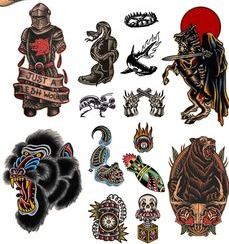
Experiment with cursive lettering for tattoo ideas, artwork, posters, quotes, and other visual designs.
🎮 Gaming Names & Usernames
Make gaming usernames, display names, and online profiles stand out with decorative cursive styles.
📚Handwriting Practice & Worksheets
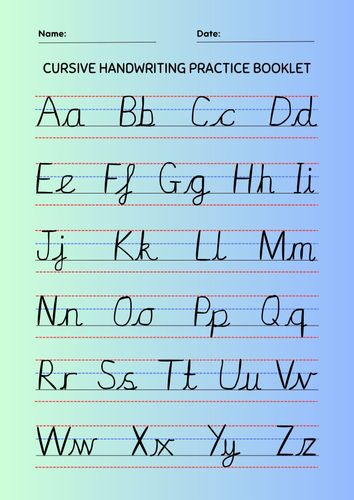
Use cursive text as a reference for handwriting practice, school worksheets, and learning activities.
“💬 WhatsApp, Telegram & Messaging”
Cursive text can make greetings, status updates, special messages, and everyday chats on WhatsApp and Telegram more personal and stylish.
💻 Blogs, Websites & Digital Content

Use cursive text for headings, quotes, captions, and creative content to add a distinctive handwritten style.
Frequently Asked Questions
Is the cursive name generator a real signature?
The cursive generator creates cursive-style text using Unicode characters, so it looks handwritten but is not a real signature. For a signature, practice your own handwriting.
How do I use the cursive generator on mobile?
Open the cursive generator in your phone’s browser, type your text, and tap the copy button next to your favorite style. Then paste it into your app.
Is cursive text a real font?
Not exactly. The cursive generator uses special Unicode characters that look like cursive letters, so you can copy and paste the result like normal text without installing a font.
Does cursive text look the same on every device?
Not always. Each app and device displays Unicode characters a little differently, so a style may look slightly different or show up as boxes. If that happens, try another style or app.
Why do some cursive letters look thinner or thicker than others?
Cursive-style text uses different Unicode characters, and a few letters come from a separate symbol block. Depending on your device, those letters can look thinner, thicker, or slightly different. Try another style if one letter looks off.
Can I use cursive text on Instagram, TikTok, and WhatsApp?
In most cases, yes. It works in bios, captions, and messages on most popular platforms, though how it looks can vary by app and device.
What is the best cursive font for an Instagram bio?
There is no single best style, but Modern Cursive and Classic Cursive are the easiest to read in a short bio. Bold Cursive suits a username-style line or one key word. Preview your bio on your phone before saving.
Can I use cursive text in Google Docs, Word, or PowerPoint?
Usually yes. You can paste text from the cursive generator into these apps, but how it looks depends on the document’s font. If you see boxes, change the font or try another style.
Can I write numbers in cursive?
Cursive-style numbers do not exist as copy and paste text, so digits stay as normal numbers. You can pair them with cursive letters, for example: 𝒮𝓊𝓂𝓂ℯ𝓇 2026.
What is the difference between cursive and calligraphy?
Cursive is everyday connected handwriting, while calligraphy is decorative lettering drawn slowly with special tools.
Final Thoughts
The cursive generator is a simple way to give your names, bios, captions, and messages a stylish handwritten look. Type your text, pick the style you like, and copy it in seconds, with no downloads and no account needed.
Whether you want an elegant look for a card, a bold style for a username, or a cute style for a caption, you can try them all. Cursive-style text may look slightly different across apps and devices, so preview it before you post. Use the cursive generator and find the cursive style that fits you best.