
Cursive Generator – Free
Cursive Font & Text Style Tool
At a Glance
- Easy to copy: Paste your cursive text into supported apps and websites.
- Instant results: Enter text and explore different styles.
- Free to use: No downloads or account needed.
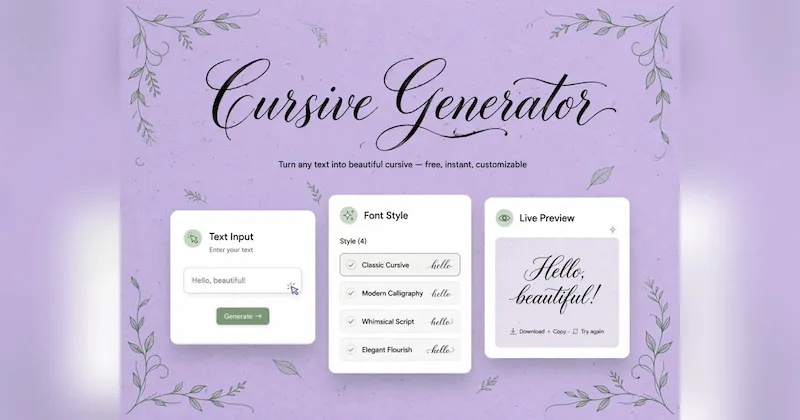
Our Cursive Generator transforms ordinary text into stylish cursive characters in seconds. Choose your favorite style and copy it for social media, messages, invitations, and creative projects.
What Is a Cursive Generator?
A cursive font generator turns plain text into beautiful, handwritten-style text. With our cursive generator, you can choose a style and copy it instantly for bios, captions, and messages—no signup needed. Learn more about writing in cursive with this helpful guide.
Popular Cursive Text Styles for 2026
Cursive text remains a popular choice for social media and creative projects in 2026. From soft, elegant lettering to bold and decorative styles, there are plenty of ways to personalize your text.
Want a fancy cursive font for your bio or an elegant style for a card? Explore the examples below, or create your own using our Cursive Generator.
Elegant Cursive
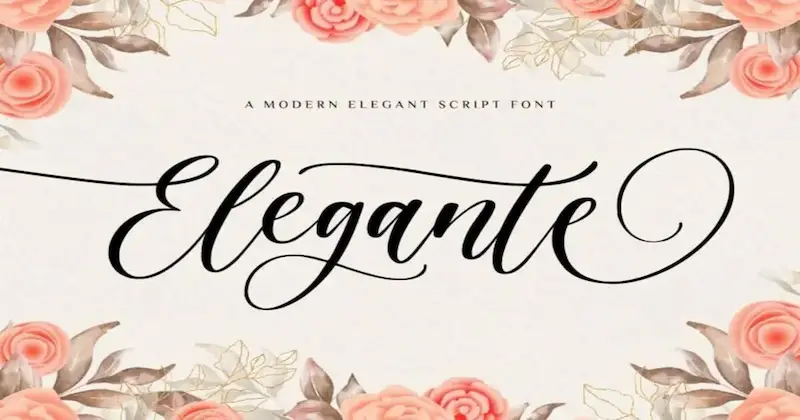
Best for invitations, greetings, special Notes
Elegant cursive has a graceful, refined look with a polished handwritten feel. It is perfect for special moments when you want your words to feel more personal and memorable.
Classic Cursive
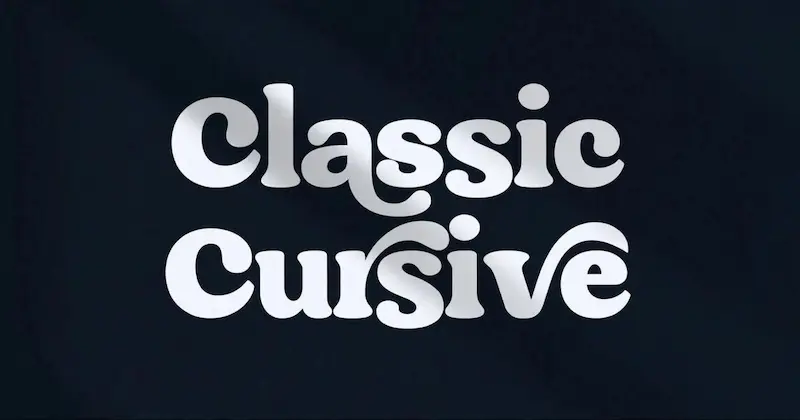
Best for Notes, Letters, and Quotes
Personal notes, letters, and meaningful quotes look beautiful in cursive text. Its elegant handwritten style adds a personal and expressive touch to every message.
Modern Cursive
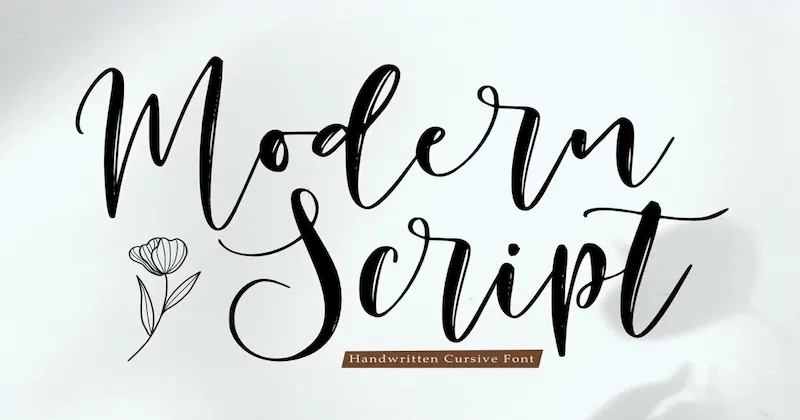
Best for Bios and Short Captions
Modern cursive is light, clean, and aesthetic. It keeps the handwritten feel without looking too decorative, so it works well in short bios and captions.
Playful Cursive
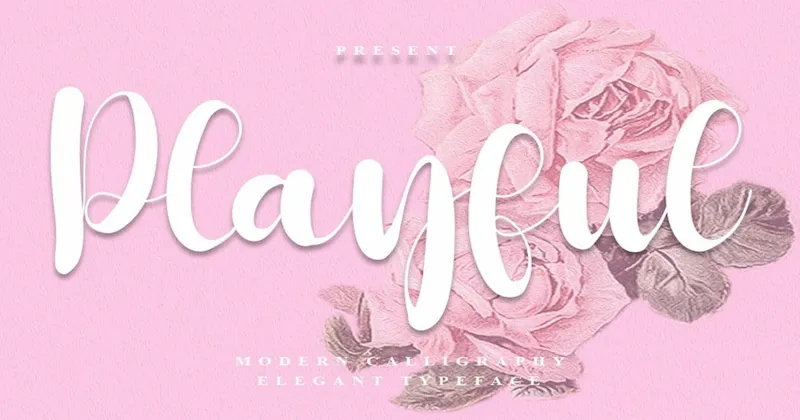
Best for Stories, Planners, and Friendly Captions
Playful cursive feels soft, cheerful, and friendly, especially when paired with small symbols like hearts or flowers. If you want a cute cursive font, this is a lovely style to try.
Bold Cursive
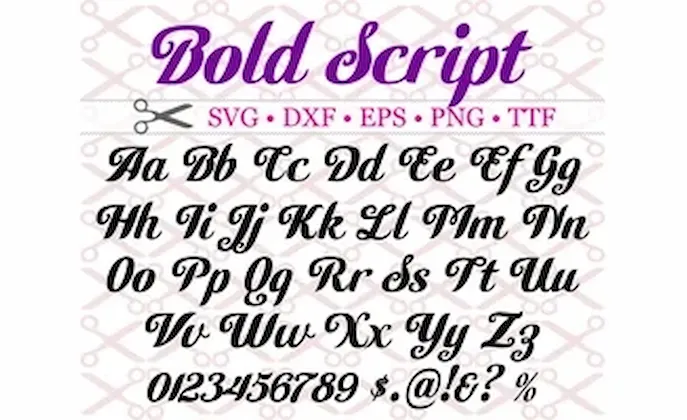
Bold cursive uses heavier strokes, so your text stands out even in short lines. It works well when you want a handwritten look with more impact.
Bold Cursive Fonts for Usernames, Headlines, and News
Bold cursive uses heavier strokes, helping your text stand out even in short lines. It works well when you want a handwritten look with more impact.
Fancy Script
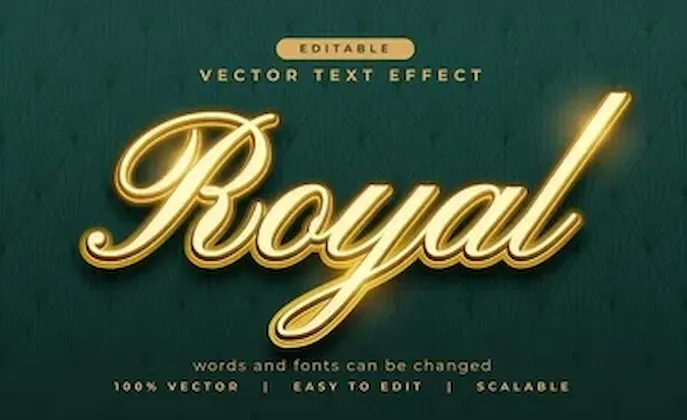
Best for titles and standout captions
Fancy script is the dressiest option, made for text that should get noticed. If you are searching for a fancy cursive font, start here.
Cursive Name Generator: Turn Any Name into Stylish Text
Want to see your name in a stylish handwritten look? A cursive name generator turns any name into cursive-style text in seconds. Type your name, browse the styles, and copy the one you like for your bio, username, card, or message.
Write Your Name in Cursive for Any Occasion
Need your name in cursive for a bio, wedding invitation, or gaming profile? Use our cursive generator to create stylish, copy-and-paste text in seconds.
Here is how popular names look in our cursive name generator:
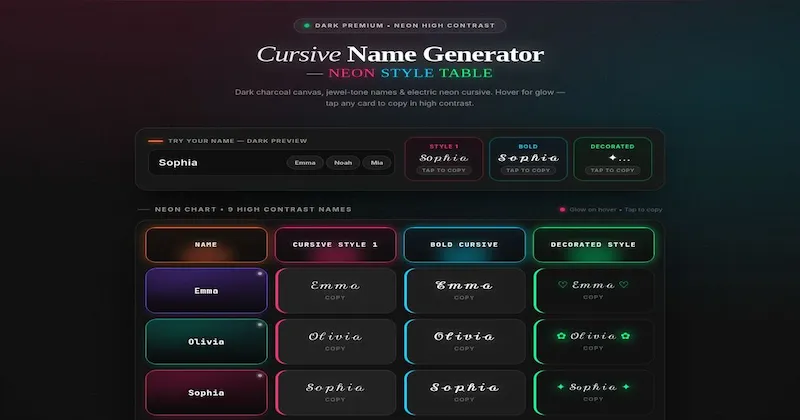
How to Get Your Name in Cursive
Enter your name in the cursive generator and choose from the available styles. Click the copy button to use your favourite design. You can also try initials and nicknames.
How to Get Your Name in Cursive
Enter your name in the cursive generator and choose from the cursive styles shown.
Click the copy button to use it. It also works for initials and nicknames.
Note: This is Unicode cursive text, not a real signature, so it may look different on some devices.
Cursive Signature Generator: Create a Stylish Signature Look
Want a signature-style look for your name? Our cursive signature generator turns your name into flowing cursive-style text that you can copy and use as inspiration. Type your name in the cursive generator, compare the styles, and choose the one you like best.
Create Your Own Cursive Signature Style
Looking for a cursive signature generator? Enter your name and preview it in different styles, from simple and clean to bold and decorative. Try a few ideas here before writing your signature by hand.
Here is how one name looks in three styles:
Clean: ℰ𝓂𝓂𝒶
Bold: 𝓔𝓶𝓶𝓪
Decorated: ✦ ℰ𝓂𝓂𝒶 ✦
Cursive Generator Signature Ideas
Use this cursive signature style for profile names, cards, email sign-offs, or creative projects. Short names and initials often look best, so try your first name, nickname, or initials .Create your own stylish signature with our free Cursive Signature Generator.
Profile: ℰ𝓂𝓂𝒶 ℬ𝓇ℴ𝓌𝓃
Sign-off: Best, ℰ𝓂𝓂𝒶
Initials: ℰ.ℬ.
Choosing a Cursive Signature Font Style
Compare different cursive signature fonts for clear letters and smooth shapes. Bold styles work well for short names, while lighter styles may suit longer ones.
Cursive Tattoo Font Ideas
Planning a tattoo and want to see how a word or name looks in cursive? Use our cursive generator to preview different cursive tattoo font styles before discussing your design with your tattoo artist. Type your text, compare the styles, and save your favourites.
Tattoo Cursive Text Ideas
Tattoo cursive text works well with short words, names, and meaningful quotes. Enter your own text to see how it looks in different styles.
Word: 𝒽ℴ𝓅ℯ
Name: 𝒪𝓁𝒾𝓋𝒾𝒶
Quote: 𝒮𝓉𝒶𝓎 𝓈𝓉𝓇ℴ𝓃ℊ
Preview Text in a Cursive Tattoo Font Generator
Try your text in different cursive tattoo font styles to see which letter shapes you like most. Take a screenshot of your favourite and share it with your tattoo artist as a reference.
Clean: ℱℴ𝓇ℯ𝓋ℯ𝓇
Bold: 𝓕𝓸𝓻𝓮𝓿𝓮𝓻
Decorated: ✦ ℱℴ𝓇ℯ𝓋ℯ𝓇 ✦
Cursive Tattoo Font Creator Tips
Think of this tool as a quick way to explore cursive tattoo font ideas, not as a final tattoo design. Your artist can adjust the spacing, size, and flow to suit the placement on your skin.
- Bold: 𝓛𝓸𝓿𝓮
- Light: 𝒩ℯ𝓋ℯ𝓇 ℊ𝒾𝓋ℯ 𝓊𝓅
Note: Generated text is for inspiration only. Ask your tattoo artist to create the final lettering.
How to Use the Cursive Generator
Step 1 — Enter Your Text
Type or paste your words into the cursive generator. You can enter a name, sentence, quote, or caption. Your text will appear in different cursive styles.
Step 2 — Choose Your Cursive Style
Browse the styles generated for your text and pick your favourite. Try a few options to find the look you want, whether simple and handwritten or more decorative.
Step 3 — Copy Your Cursive Text
Click the copy button next to your favourite style. Then paste it into your social media bio, caption, or message.
Tip: If a style appears as boxes or question marks in an app, try a different style.
How Does a Cursive Font Generator Work?
Our cursive generator does not install a font on your device. Instead, it replaces regular letters with special Unicode characters that resemble cursive writing. The result is text you can copy and paste into supported apps and websites.
What Is Unicode?
Unicode is a universal standard that allows computers and phones to display text from different writing systems. It also includes special mathematical characters, such as script and bold script letters, that give generated text its cursive appearance.
How Does the Cursive Generator Create Cursive Text?
The result is made up of Unicode characters, so you can copy it just like regular text. Paste it into any app that supports these characters, and the cursive appearance will remain without requiring font installation.
Copy & Paste Cursive Fonts (Symbols & Text Styles)
Looking for copy and paste fonts? Pick a cursive style below, or open the cursive generator to make your own, then copy it into your bio, caption, or message.
This font copy and paste list is ready to use as it is.
Popular Copy & Paste Font Styles
Need free cursive fonts you can copy and paste in seconds? Choose a copy-and-paste style, then type your own text into the cursive generator to explore more options.
Cursive: 𝒞𝓊𝓇𝓈𝒾𝓋ℯ
Bold Cursive: 𝓒𝓾𝓻𝓼𝓲𝓿𝓮
Decorated: ✦ 𝒞𝓊𝓇𝓈𝒾𝓋ℯ ✦
Symbols to Add: ♡ ✿ ★ ✦ ⋆˚
Cursive Alphabet (A–Z) Copy & Paste Chart
Need every cursive letter in one place? Explore the complete cursive alphabet in this easy-to-use copy-and-paste chart. Copy individual letters or type your own text into the cursive generator to turn complete words into cursive.
Cursive Alphabet Chart (A–Z)
Use capital cursive letters to start names and titles, and lowercase letters for the rest. Together, they cover the full alphabet from A to Z in both light script and bold script styles.
script style.
Script capital letters:
𝒜 ℬ 𝒞 𝒟 ℰ ℱ 𝒢 ℋ ℐ 𝒥 𝒦 ℒ ℳ 𝒩 𝒪 𝒫 𝒬 ℛ 𝒮 𝒯 𝒰 𝒱 𝒲 𝒳 𝒴 𝒵
Script small letters:
𝒶 𝒷 𝒸 𝒹 ℯ 𝒻 ℊ 𝒽 𝒾 𝒿 𝓀 𝓁 𝓂 𝓃 ℴ 𝓅 𝓆 𝓇 𝓈 𝓉 𝓊 𝓋 𝓌 𝓍 𝓎 𝓏
Bold capital letters
𝓐 𝓑 𝓒 𝓓 𝓔 𝓕 𝓖 𝓗 𝓘 𝓙 𝓚 𝓛 𝓜 𝓝 𝓞 𝓟 𝓠 𝓡 𝓢 𝓣 𝓤 𝓥 𝓦 𝓧 𝓨 𝓩
Bold small letters:
𝓪 𝓫 𝓬 𝓭 𝓮 𝓯 𝓰 𝓱 𝓲 𝓳 𝓴 𝓵 𝓶 𝓷 𝓸 𝓹 𝓺 𝓻 𝓼 𝓽 𝓾 𝓿 𝔀 𝔁 𝔂 𝔃
Tip: Use a Fancy First Letter
For better readability, use a fancy capital for the first letter and keep the rest simple.
Examples: 𝒮ophia | ℰmma | 𝒥ack | ℳia
Note: This chart shows cursive-style text letters for copying. It is not a handwriting guide for learning to write cursive by hand.
How to Write in Cursive — Step-by-Step Guide
Keep your letters connected and practise a little every day. The cursive generator provides a visual reference, but writing by hand helps you develop your cursive skills.
Learn to Write Your Name in Cursive
Start by practising lowercase letters with smooth, connected strokes. Type your name in the cursive generator to see different letter shapes, then practise writing it on lined paper.
Common Words & Phrases in Cursive
Need a quick word or phrase in cursive? Copy any example below and paste it into your card, caption, or message.
Happy Birthday in Cursive
Pick a style and copy it for a birthday card or message.
Cursive: ℋ𝒶𝓅𝓅𝓎 ℬ𝒾𝓇𝓉𝒽𝒹𝒶𝓎
Bold: 𝓗𝓪𝓹𝓹𝔂 𝓑𝓲𝓻𝓽𝓱𝓭𝓪𝔂
Everyday Words in Cursive
Explore these common everyday words written in cursive. You can copy them and use them in notes, captions, messages, or creative projects.
Happy: 𝒽𝒶𝓅𝓅𝓎
And: 𝒶𝓃𝒹
You: 𝓎ℴ𝓊
To: 𝓉ℴ
Of: ℴ𝒻
For: 𝒻ℴ𝓇
Practice Tips for Beginners
Use the cursive generator to preview letter shapes. Then practise maintaining a steady slant and forming loops and curves. Start with individual letters before moving on to complete words and short sentences.
Cursive vs. Other Handwriting Styles
Cursive, script, calligraphy, and print are often confused with one another. Although they may look similar, each style has its own features. Here is how they differ.
Cursive vs. Calligraphy
Cursive is a flowing, connected handwriting style commonly used for everyday writing. Calligraphy is a decorative lettering art that focuses on carefully formed strokes. Cursive calligraphy combines the flowing look of cursive with decorative details.
Cursive vs. Script
Script is a broader term for handwriting-style lettering, while cursive is one type of script. The two terms are often used interchangeably to describe flowing, handwritten text.
Cursive vs. Print
Print uses separate, usually upright letters, while cursive typically features connected letters and a flowing writing style.
Where Can You Use Cursive Text?
Cursive text can add a stylish and personal touch to social media posts, special occasions, creative projects, and everyday writing. It is a simple way to give your words a handwritten appearance. Here are some popular ways to use cursive text:
📱 Social Media Profiles & Captions

Use cursive text in Instagram, TikTok, and X bios, captions, and posts to give your content a creative and stylish look.
Invitations, Cards & Quotes
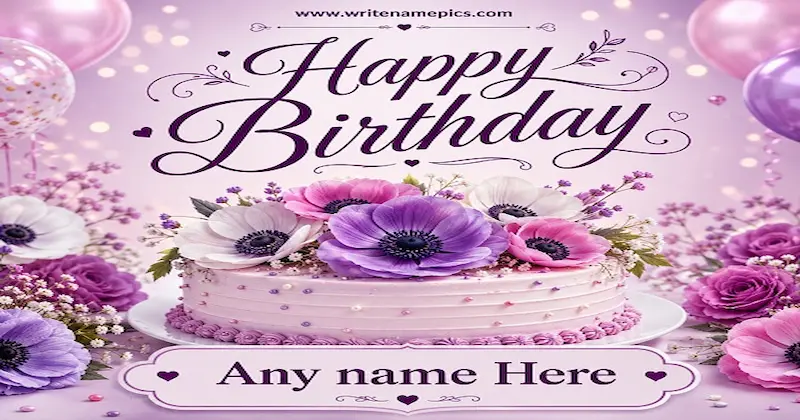
Add elegant cursive text to wedding invitations, birthday cards, Mother’s Day cards, greeting cards, and inspirational quotes.
✍️ Signatures & Personal Branding

Create stylish names and signatures for personal branding, profiles, logos, digital designs, and other creative projects.
🎨 Tattoo Designs & Creative Projects
Experiment with cursive lettering for tattoo ideas, artwork, posters, quotes, and other visual designs.
🎮 Gaming Names & Usernames
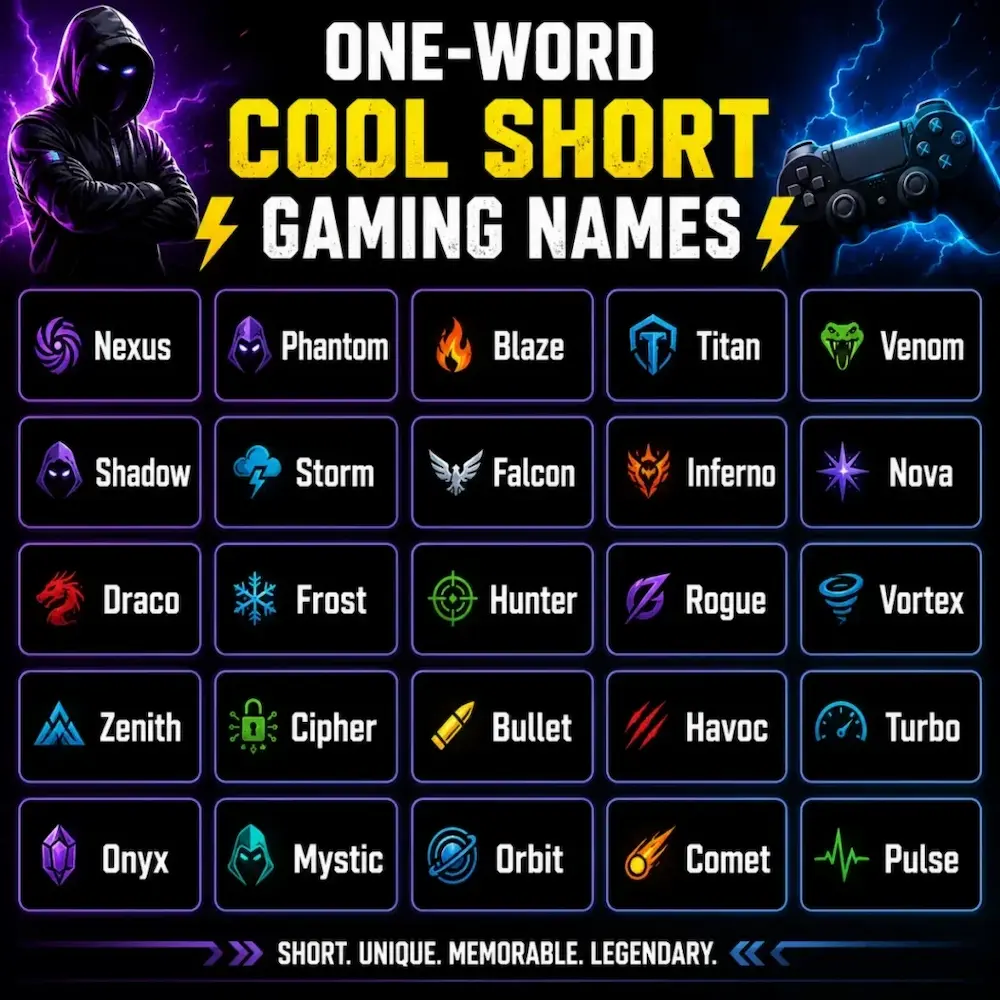
Make gaming usernames, display names, and online profiles stand out with decorative cursive styles.
📚Handwriting Practice & Worksheets
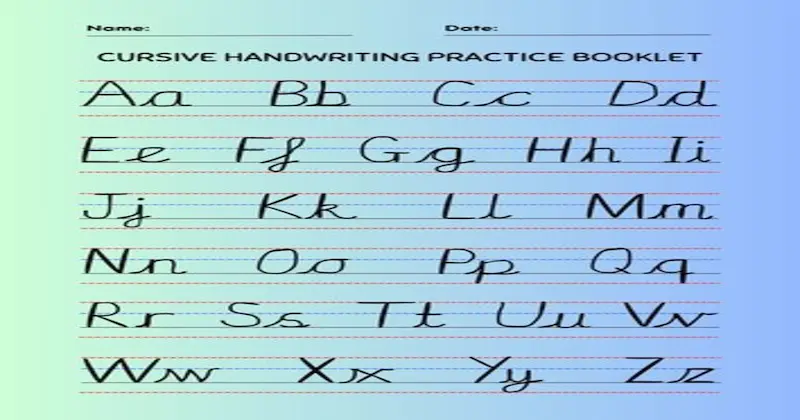
Use cursive text as a reference for handwriting practice, school worksheets, and learning activities.
“💬 WhatsApp, Telegram & Messaging”
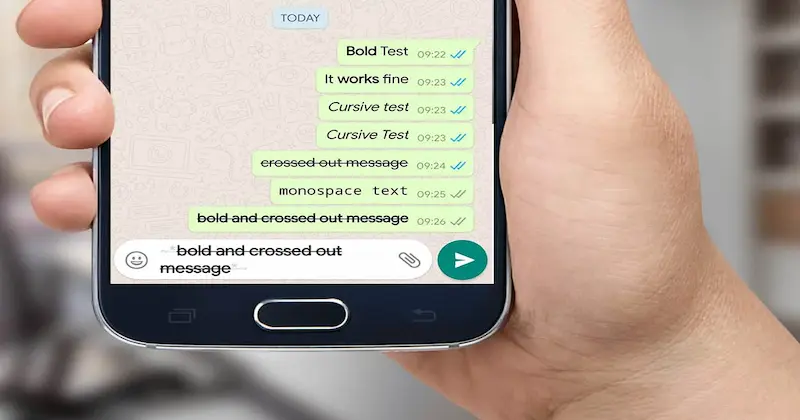
Cursive text can make greetings, status updates, special messages, and everyday chats on WhatsApp and Telegram more personal and stylish.
💻 Blogs, Websites & Digital Content

Use cursive text for headings, quotes, captions, and creative content to add a distinctive handwritten style.
Want to Make Your Cursive Text Easier to Read? Explore our guide to cursive font readability and learn how to create clear, beautiful cursive text.
Cursive Generator Tutorial
Frequently Asked Questions
Final Thoughts — Start Creating Your Cursive Text Now
The cursive generator is a simple way to give your names, bios, captions, and messages a stylish handwritten look. Type your text, pick the style you like, and copy it in seconds, with no downloads and no account needed.
Whether you want an elegant look for a card, a bold style for a username, or a cute style for a caption, you can try them all. Cursive-style text may look slightly different across apps and devices, so preview it before you post. Use the cursive generator and find the cursive style that fits you best.